Last updated:
Header line and symbol
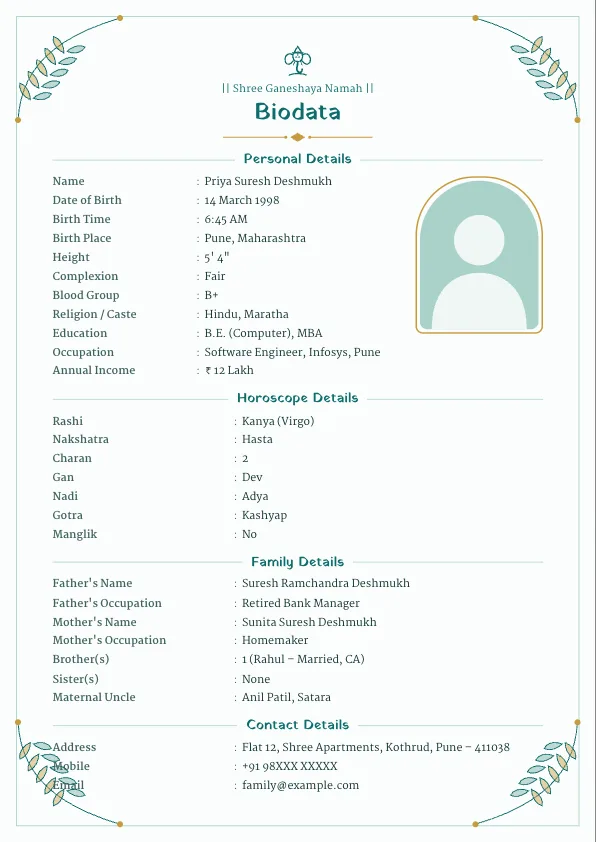
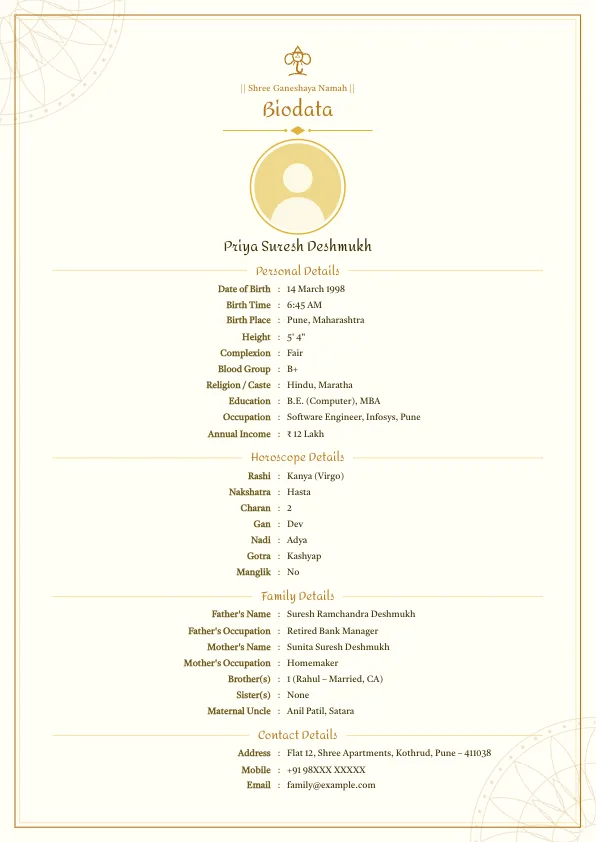
Most Hindu biodatas open with "|| Shree Ganeshaya Namah ||" and a small Ganesha symbol, since Ganesh ji is remembered at the start of every auspicious work. Other popular lines are "|| Om ||", "|| Jai Shree Krishna ||" and "|| Jai Shree Ram ||", all available in the editor. You can also type your own, such as the name of your kuldevta, and upload a photo of your family deity, Sai Baba or Swami Samarth in place of the built-in symbol.
Hindu biodata fields
Personal: full name, date of birth, birth time, birth place, height, complexion, blood group, religion and caste (e.g. "Hindu, Maratha" or "Hindu, Agarwal"), sub-caste, education, occupation and income.
Horoscope (kundali details):
- Rashi (moon sign) and nakshatra
- Charan (pada) of the nakshatra
- Gan (Dev, Manushya or Rakshas) and nadi (Adya, Madhya or Antya)
- Gotra
- Manglik: yes, no or partial
- Devak and kuldevta (common in Maharashtra)
Family: father, mother, brothers and sisters with marital status, mama (maternal uncle), native place and close relatives.
Contact: a parent's mobile number, address and a short expectations line.
Horoscope details made easy
Rashi, nakshatra, gotra, devak and kuldevta come with dropdown lists in the editor, so you don't have to worry about spellings. The horoscope section includes gan, nadi and charan, and they fill themselves: pick the nakshatra and gan and nadi appear; add the charan and the rashi is filled. Only empty fields are filled, so values you type from your janmapatrika stay. If the other family asks for the chart, add the optional birth chart: enter the lagna and the planets in each house, or upload a photo of your kundali. The same biodata also works in Marathi and Hindi.
How to set it up
- Open the biodata maker. The Hindu preset is the default, so the Ganesha header is already there.
- If you changed it earlier, go to the Design tab and choose Hindu under Religion preset.
- Use "Add field" to add charan, gan, nadi, devak or kuldevta to the horoscope section.
- Hide the horoscope section with one click if your family doesn't match kundali.
Sample Hindu marriage biodata
| Field | Example |
|---|---|
| Name | Pooja Ramesh Agarwal |
| Date of Birth | 5 November 1997 |
| Birth Time / Place | 4:10 PM, Jaipur |
| Height | 5' 4" (163 cm) |
| Religion / Caste | Hindu, Agarwal (Garg gotra) |
| Education | CA, B.Com (Hons), Delhi University |
| Occupation | Chartered Accountant, EY, Gurugram |
| Rashi / Nakshatra | Mesh / Bharani, charan 2 |
| Gan / Nadi | Manushya / Madhya |
| Manglik | No |
| Father | Ramesh Kumar Agarwal, Businessman |
| Mother | Kavita Agarwal, Homemaker |
| Contact | +91 94XXX XXXXX (father) |
Family details in a Hindu biodata
Hindu families read the family section closely. Along with parents and siblings, many add the mama (maternal uncle) with his town, the native place of the family, and two or three close relatives. In Maharashtra, the devak (family totem, such as Panchpalvi or Kadamb) and kuldevta (such as Khandoba or Tuljabhavani) are usually written too. In North India, families often add the sub-caste and the gotra of the mother's side (nanihal) when elders ask for it.
Expectation lines for a Hindu biodata
- "Looking for a well-educated, cultured boy from a respectable Hindu family."
- "Horoscope matching preferred; minimum 18 gunas."
- "Vegetarian, family-oriented girl preferred."
- "Same caste preferred; open to other communities for the right match."
Templates that suit a Hindu biodata
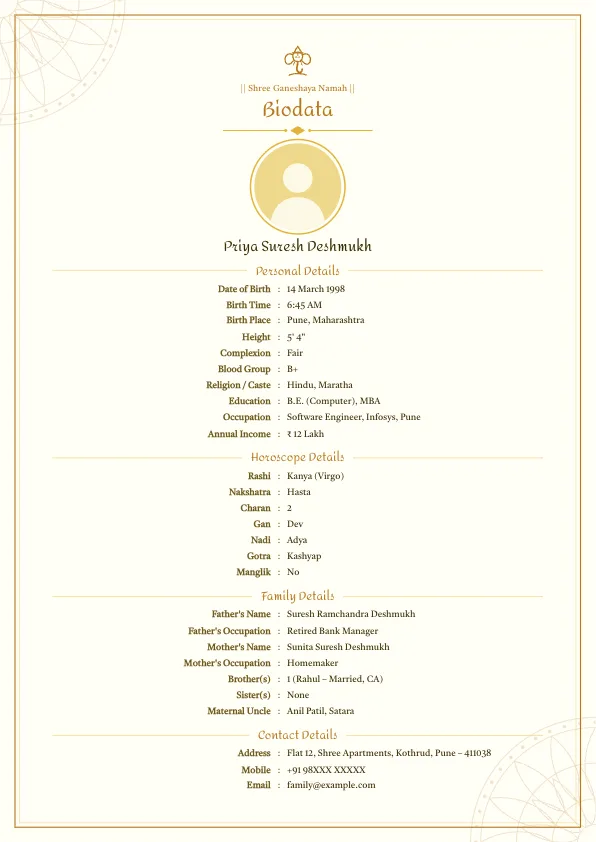
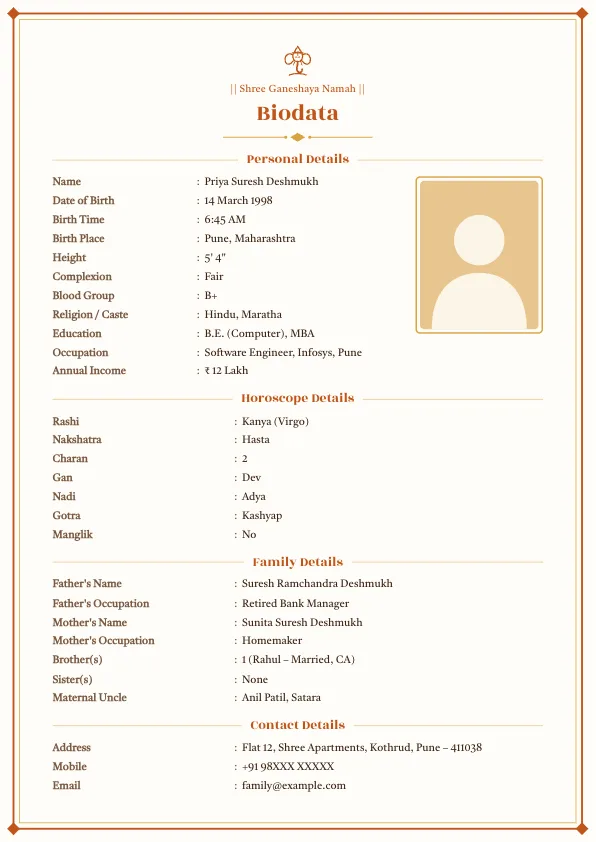
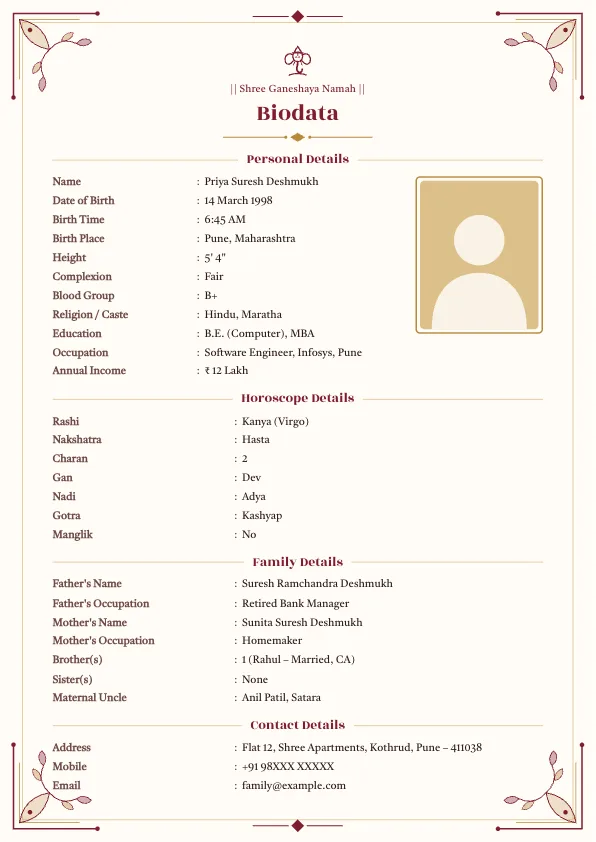
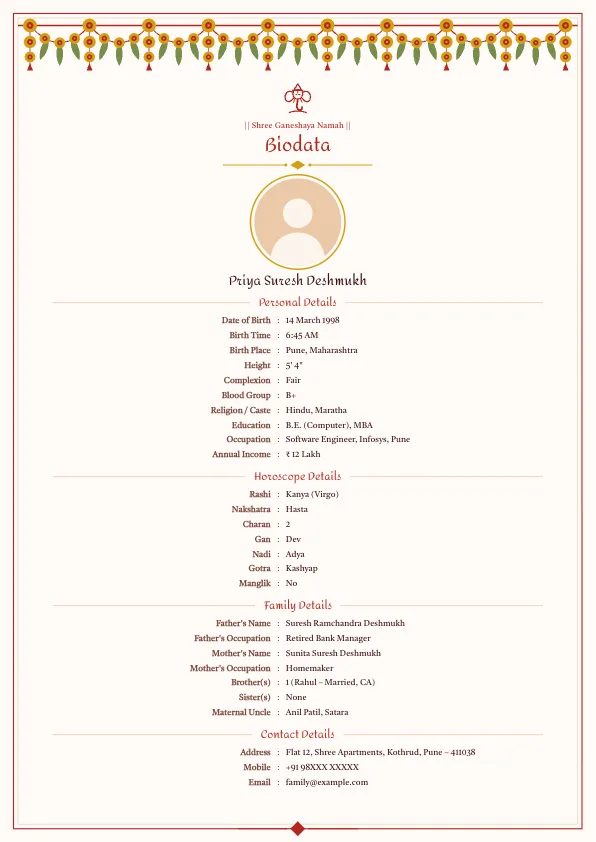
Traditional designs with warm colours are the most popular. The premium toran designs add a marigold garland across the top, a favourite for weddings.
Tips
- Write the exact birth time from the birth record; a small difference can change the nakshatra.
- If you are unsure of your gotra or nakshatra, ask elders or the family priest, or hide the field.
- For Brahmin families who add pravar, shakha and ved, see the Brahmin marriage biodata format.
- Prefer Marathi or Hindi labels? Use the Marathi biodata maker or the Hindi biodata maker.
For the full section order, see the marriage biodata format.
Frequently asked questions
What should be written at the top of a Hindu biodata?+
Most families write || Shree Ganeshaya Namah || with a Ganesha symbol. || Om ||, || Jai Shree Krishna || and || Jai Shree Ram || are also common, or you can type your kuldevta's name.
Which horoscope details are needed in a Hindu biodata?+
Birth time and place, rashi, nakshatra and manglik status at minimum. Many families also add charan, gan, nadi, gotra, devak and kuldevta.
Can the gan and nadi be filled automatically?+
Yes. Choose the nakshatra and the gan and nadi fill in by themselves; add the charan and the rashi fills too. Only empty fields are filled, so anything you typed stays.
Can I add a kundali chart to my biodata?+
Yes. In the horoscope section tap Add birth chart (kundali). Choose the lagna rashi and tap planets into each house to draw a North Indian style chart, or upload a photo of your printed kundali. It is optional and appears beside your horoscope details.
More biodata formats
- Marriage Biodata Format
- Biodata for Marriage for Girl
- Biodata for Marriage for Boy
- What to Write in a Marriage Biodata
- Marriage Biodata Word Format (Free Download)
- Muslim Marriage Biodata Maker
- Jain Marriage Biodata Format
- Christian Marriage Biodata Format
- Sikh Marriage Biodata Format
- Brahmin Marriage Biodata Format
- Biodata for Second Marriage
- Marriage Biodata Without Photo
- Kundali Matching: 36 Guna Milan Calculator
- Rashi & Nakshatra Calculator: Find Rashi, Nakshatra and Lagna by Birth Date
- Wedding Invitation Maker
- Vivah Muhurat 2026–2027: Hindu Marriage Dates, Month by Month
- Biodata for WhatsApp: Copy-Ready Marriage Biodata Text
- English to Marathi and Hindi Typing
- Height Converter: Feet and Inches to cm (and Back)
- Age Gap Calculator for Marriage
- Free tools for biodata and wedding planning