Last updated:
Download the sample biodata files
These sample files follow the standard Indian marriage biodata format: header, personal details, horoscope details, family details and contact. Each one is ready to edit.
| Sample | Word (.docx) | |
|---|---|---|
| Biodata format for girl | Download Word | Download PDF |
| Biodata format for boy | Download Word | Download PDF |
The download buttons on this page give you the same files.
Word or PDF: which one should you use?
Word (.docx) is for editing. Choose it when you want to type your own details into a ready file, when a parent or relative wants to change a line later, or when a marriage bureau asks for an editable copy.
PDF is for sharing and printing. It looks exactly the same on every phone, laptop and printer, so the layout never shifts. Once your biodata is final, send the PDF to families and bureaus.
A good habit is to keep both: the Word file as your working copy and the PDF as the version you send out. The online maker gives you a Word file, a PDF and a JPG image from the same biodata.
What's inside the Word file
- A centred header with the prayer line and the title "Biodata"
- Your photo under the title, when you download the Word file from the maker with a photo added (the sample files have no photo)
- Sections for personal, horoscope, family and contact details
- Each detail laid out as a two-column table: label on the left, value on the right
- Section headings in the template's accent colour
The tables have no visible borders, so the page looks clean when printed, but the structure stays in place while you type. Decorative borders, toran garlands and background designs are part of the PDF and JPG downloads, not the Word file, which is kept simple on purpose so it stays easy to edit.
How to edit the biodata in MS Word
- Download the .docx file and open it in Microsoft Word.
- Click on a value, for example the sample name, and type your own.
- To remove a row, click inside it, then choose Layout, Delete, Delete Rows.
- To add a row, click in the row above and choose Layout, Insert Below.
- To add a photo, click under the title and choose Insert, Pictures, then resize it from a corner.
- Save, then use File, Save As, PDF to create a PDF for sharing.
How to edit in Google Docs or WPS Office on your phone
Google Docs: upload the .docx to Google Drive, open it with Google Docs, edit, then use File, Download, PDF. Google Docs keeps the table layout well.
WPS Office or Microsoft Word app on Android: open the downloaded file from your Downloads folder, tap Edit, change the text and save. Both apps can export a PDF from the share or save menu. Typing in Hindi or Marathi works if your phone keyboard supports Devanagari.
If editing tables on a small screen feels fiddly, it is easier to fill the form in the online biodata maker and download a fresh Word file with your details already in place.
Designed samples you can make online
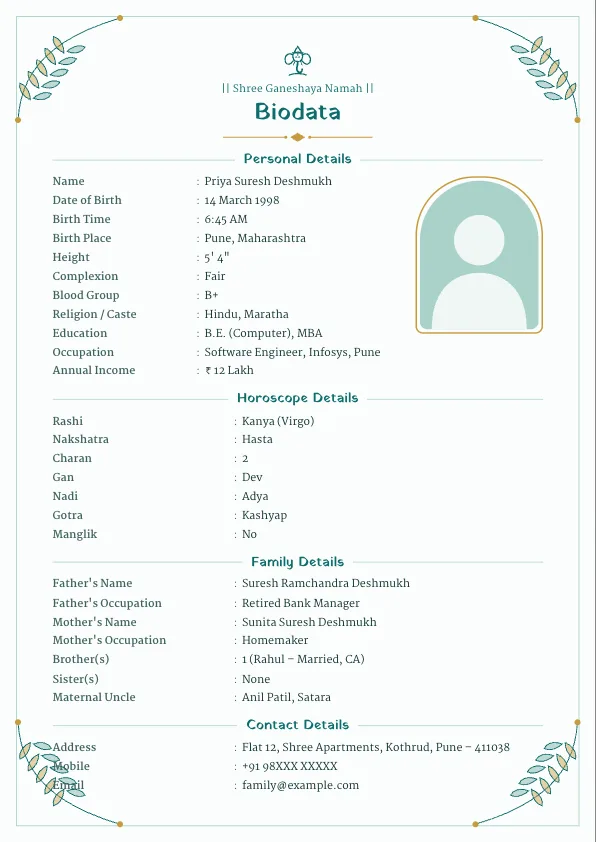
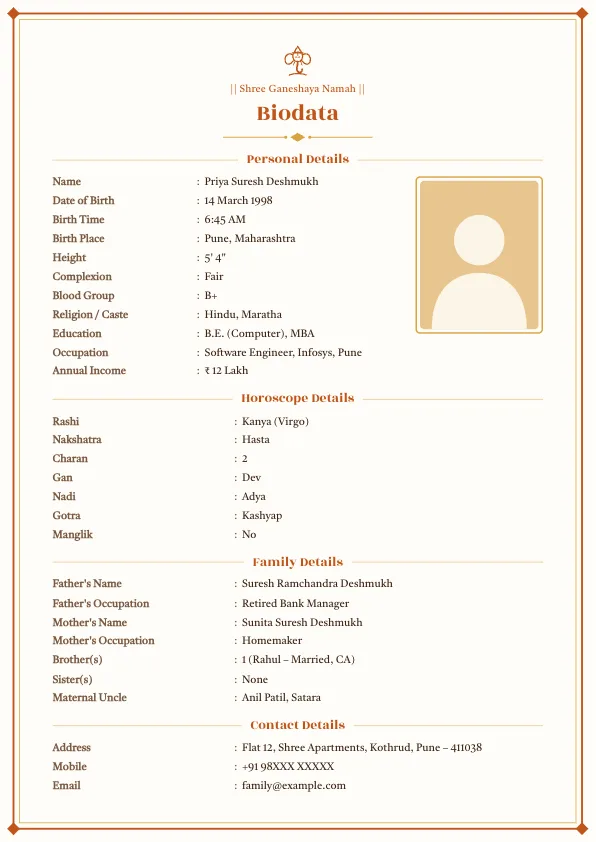
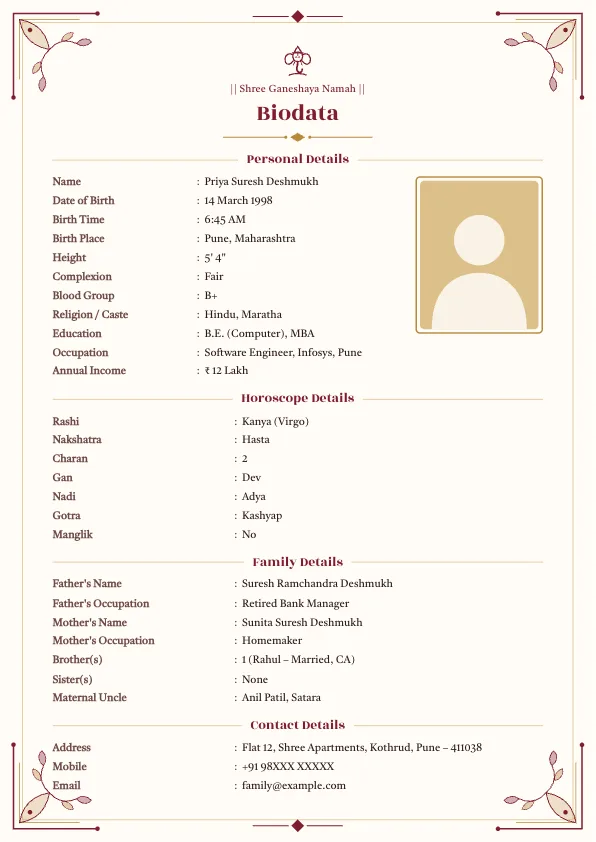
The Word samples are simple by design. If you want borders, a Ganesha symbol, a toran or a Rajasthani arch, pick one of the templates below in the maker. You still get a Word file too.
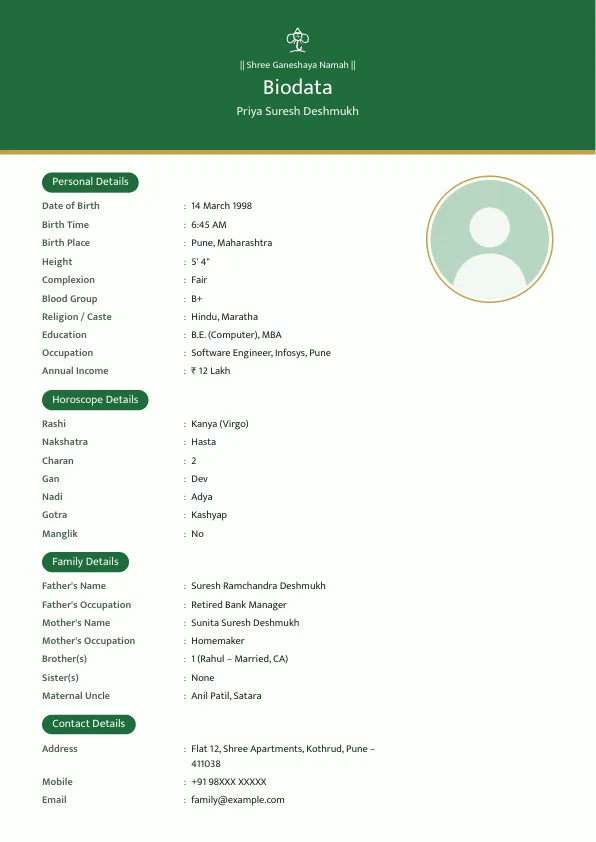
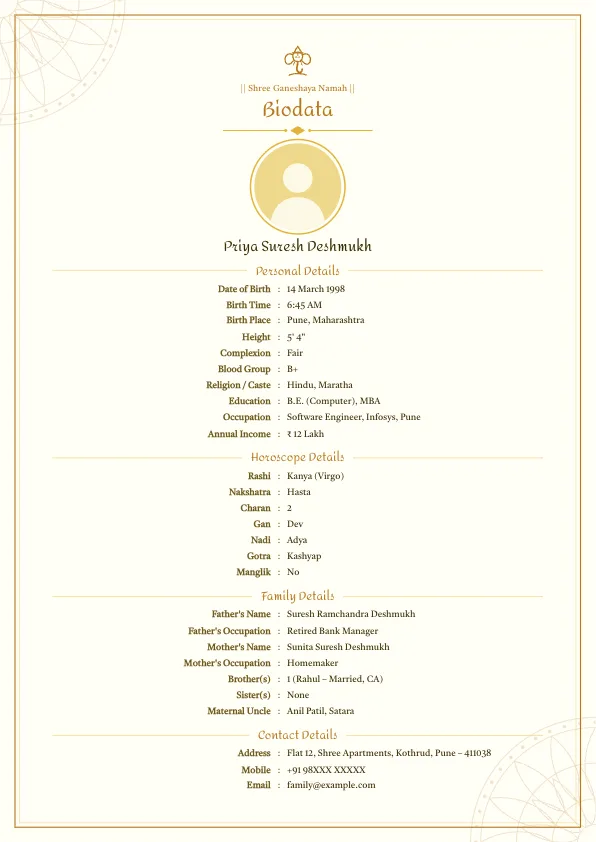
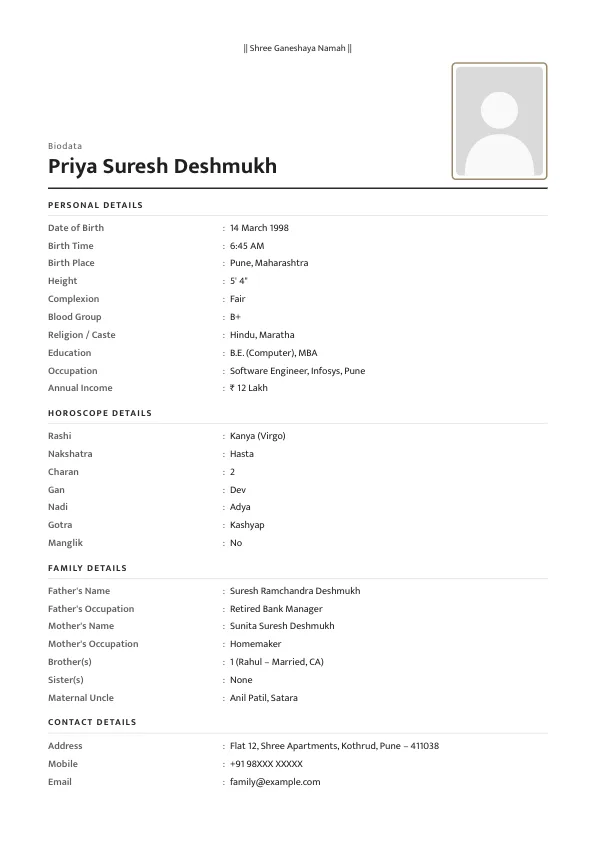
Premium designs
These use festive borders and two-column layouts. They are a one-time ₹49 unlock on your device, or free with a small "Made with marathibiodatamake.in" line at the bottom.
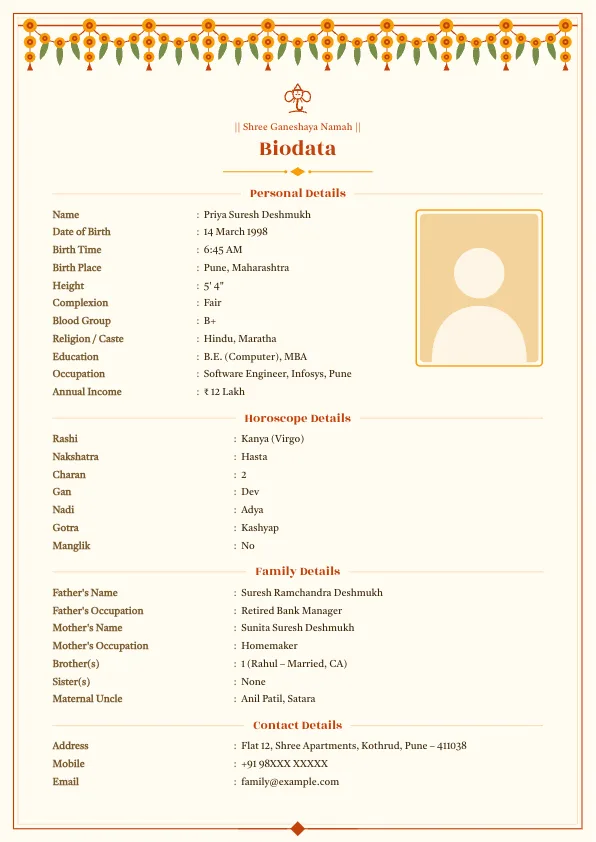
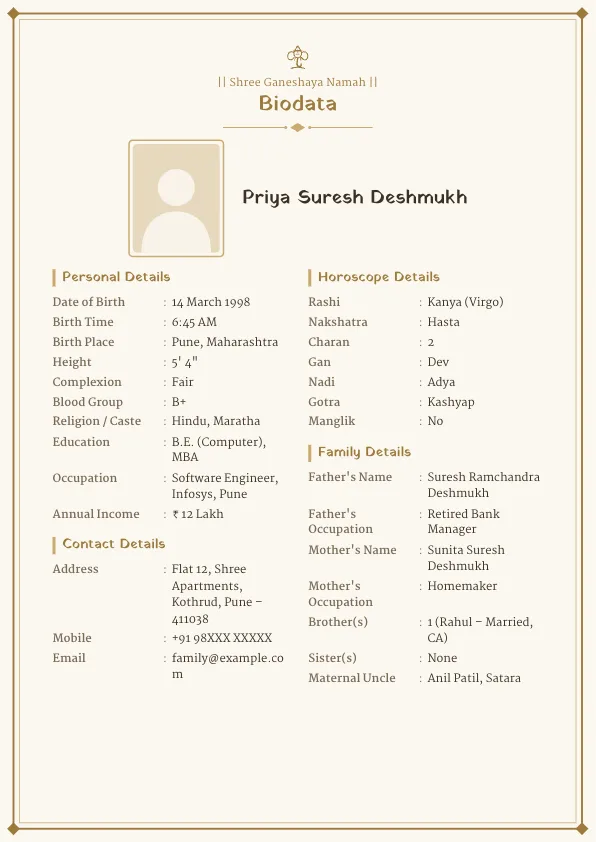
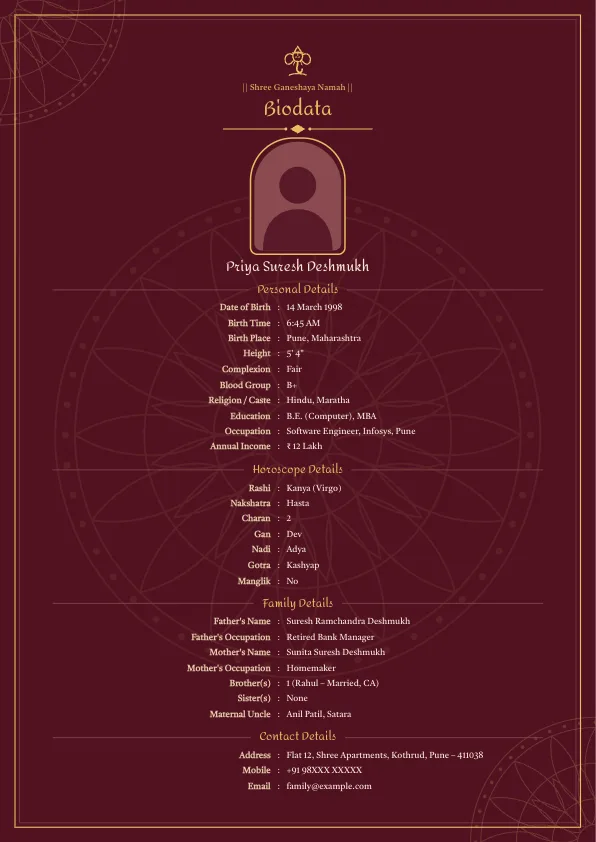
See every design on the templates page.
Which sample should you pick?
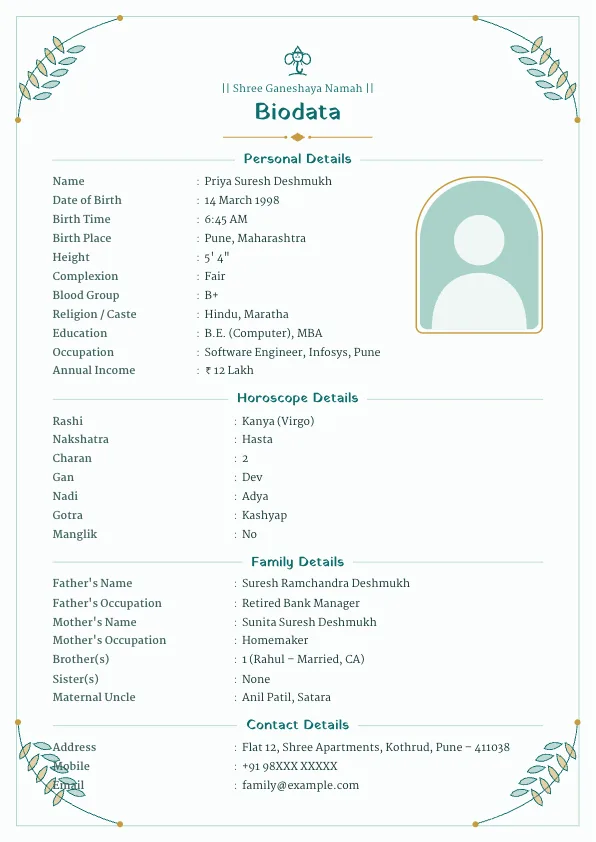
The girl's sample has a bride's details (Priya Deshmukh, a software engineer from Pune) and the boy's sample has a groom's details. The structure is the same, so pick either and change the values. What matters more is the wording: the girl's and boy's samples show how to write education, occupation, siblings and the maternal uncle line in the way families expect. For more wording ideas, see the girl's biodata and boy's biodata pages.
Printing your Word biodata
Open the file, check that everything fits on one A4 page, and print at 100% scale. Colour printing makes the section headings stand out; 100 GSM or thicker paper feels more substantial in hand. If a line spills onto a second page, shorten the wording or delete an optional row.
Hindi and Marathi Word format samples
Need the biodata in Devanagari? Hindi and Marathi sample files use the field names families use in those languages:
- Hindi biodata format in Word and PDF (शादी बायोडाटा)
- Marathi biodata namuna in Word and PDF (बायोडाटा नमुना)
The Word files use the Nirmala UI font, which comes with Windows and displays Devanagari correctly.
Tips before you share
- Replace every sample value; a leftover sample name looks careless.
- Delete rows you don't need instead of leaving them blank.
- Keep it to one A4 page.
- Save as PDF before sending on WhatsApp, so the layout doesn't shift on the other phone.
For what to write in each field, read the marriage biodata format guide or the biodata for girl and biodata for boy pages.
Frequently asked questions
Is the marriage biodata Word format free to download?+
Yes. The girl and boy sample files in Word and PDF are free, with no sign-up. Word files you create in the online maker are free too.
Can I edit the Word biodata on my phone?+
Yes. Open the .docx in the Microsoft Word app, WPS Office or Google Docs on Android or iPhone, edit the text and save or export a PDF.
Does the Word file keep the design?+
It keeps your text, photo, header line and section headings in the accent colour, laid out in simple tables. Decorative borders and backgrounds are only in the PDF and JPG downloads.
How do I convert the Word biodata to PDF?+
In MS Word use File, Save As, PDF. In Google Docs use File, Download, PDF Document. On a phone, use the export or share option in the app.
Is there a Hindi or Marathi biodata in Word format?+
Yes. The Hindi and Marathi sample pages have Word and PDF files with Devanagari labels, and the online maker can create a Word file in either language.
More biodata formats
- Marriage Biodata Format
- Biodata for Marriage for Girl
- Biodata for Marriage for Boy
- What to Write in a Marriage Biodata
- Muslim Marriage Biodata Maker
- Hindu Marriage Biodata Format
- Jain Marriage Biodata Format
- Christian Marriage Biodata Format
- Sikh Marriage Biodata Format
- Brahmin Marriage Biodata Format
- Biodata for Second Marriage
- Marriage Biodata Without Photo
- Kundali Matching: 36 Guna Milan Calculator
- Rashi & Nakshatra Calculator: Find Rashi, Nakshatra and Lagna by Birth Date
- Wedding Invitation Maker
- Vivah Muhurat 2026–2027: Hindu Marriage Dates, Month by Month
- Biodata for WhatsApp: Copy-Ready Marriage Biodata Text
- English to Marathi and Hindi Typing
- Height Converter: Feet and Inches to cm (and Back)
- Age Gap Calculator for Marriage
- Free tools for biodata and wedding planning