Last updated:
When to skip the photo
A photo usually helps, but there are good reasons to leave it out, at least in the first round:
- The biodata is going to a marriage bureau, WhatsApp group or community list where you don't know who will see it.
- Your family prefers to share photos only after both sides show interest.
- You are sending it to elders for horoscope matching first, where the photo doesn't matter yet.
- For personal or religious reasons, you prefer not to circulate your photo.
- You don't have a good recent photo yet and don't want to hold up the biodata.
How the layouts adapt
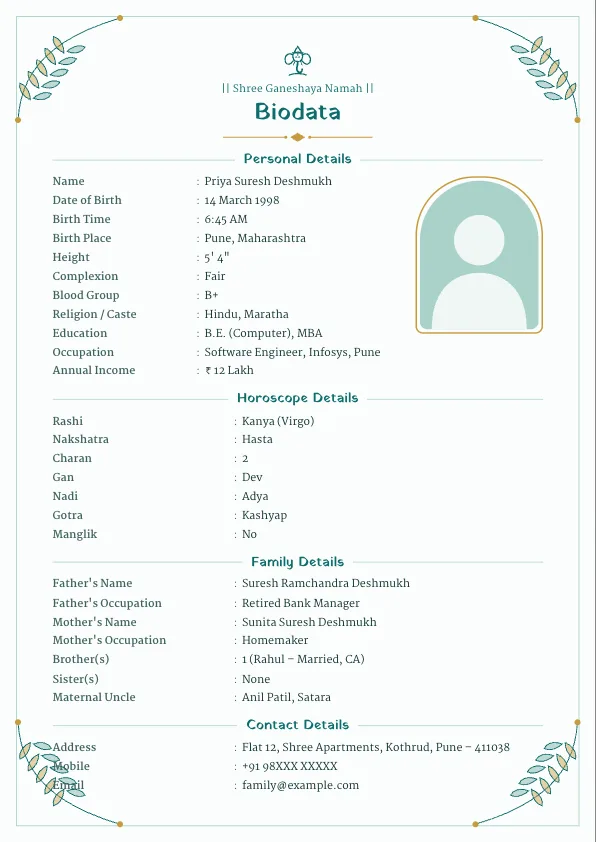
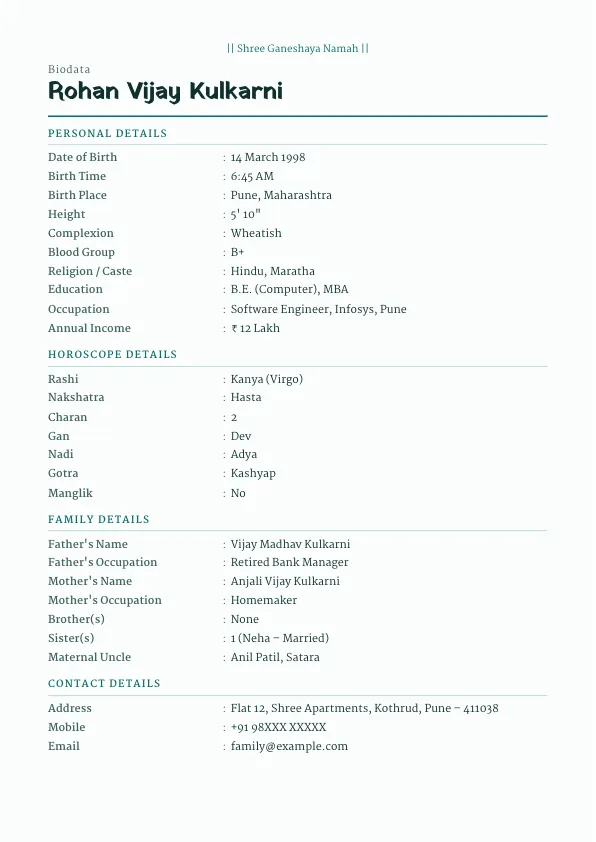
In the biodata maker, simply don't upload a photo. The template removes the photo frame and lets the header and details use the space, so there is no empty box or "photo here" placeholder in your download. Centred designs move the details up under the title; sidebar designs keep the coloured panel for contact details. You can add a photo later and the layout switches back.
Templates that look best without a photo
Designs built around a banner or a centred header look especially balanced without a photo:
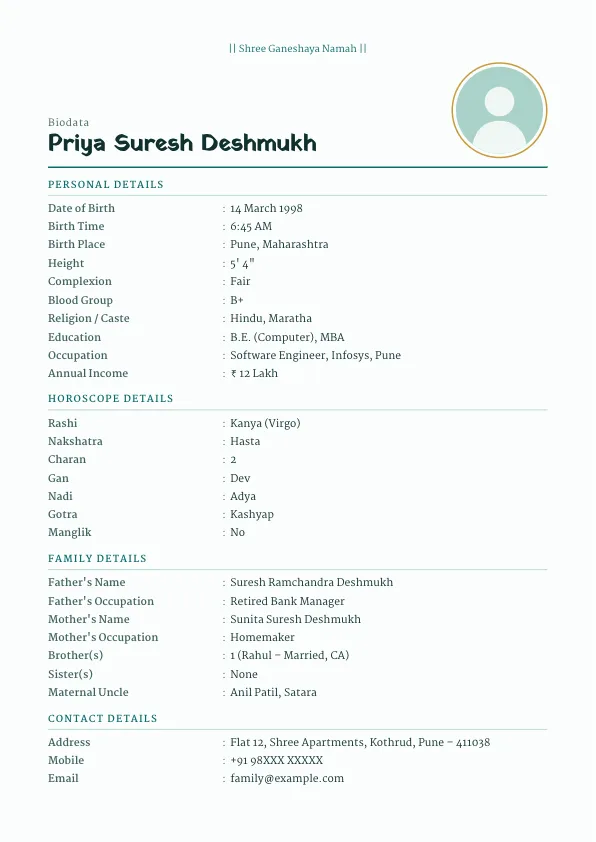
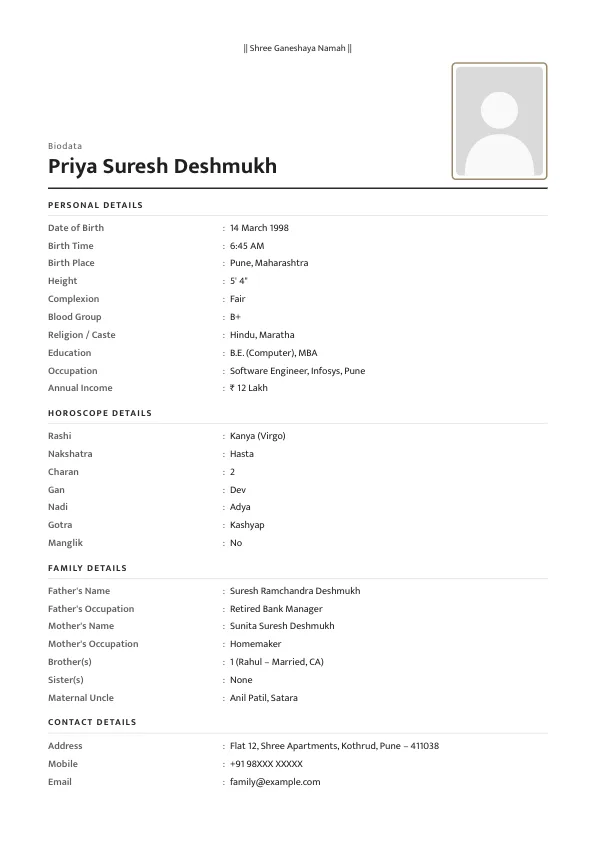
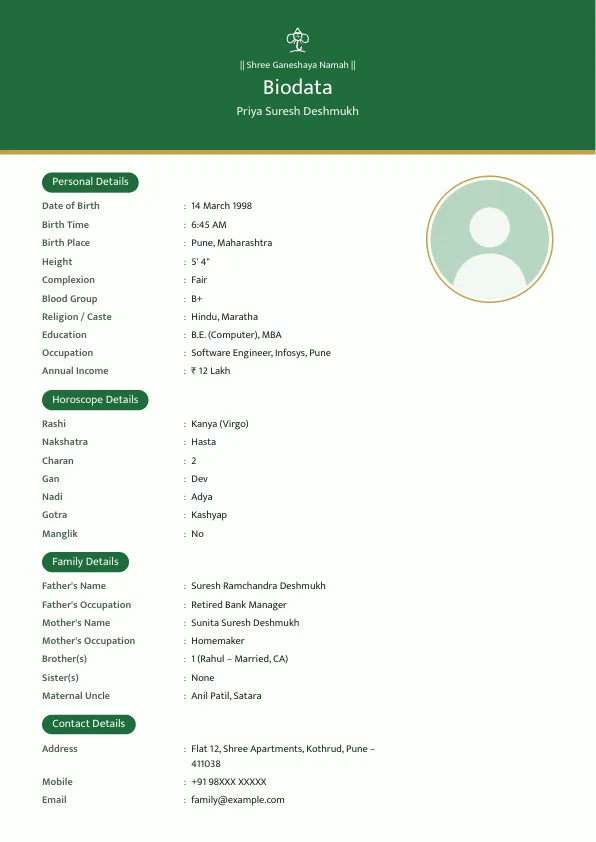
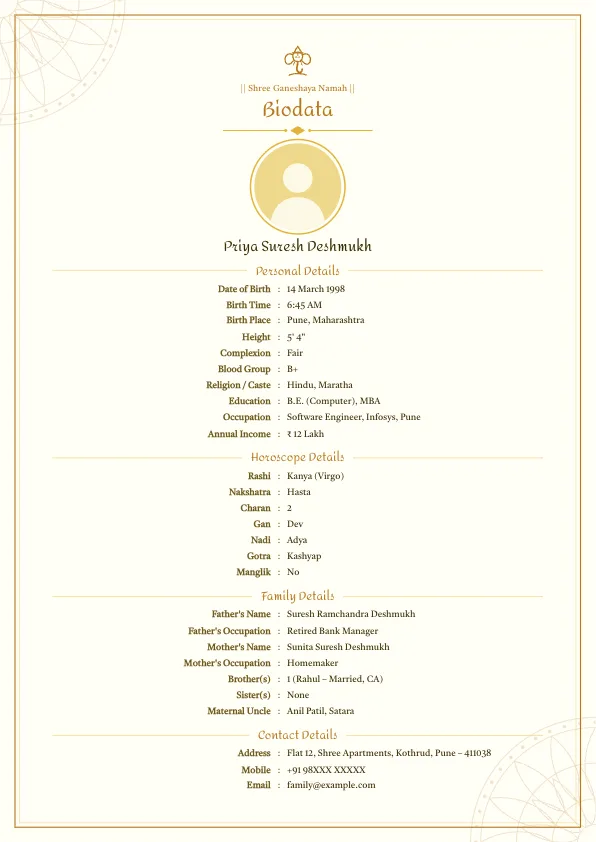
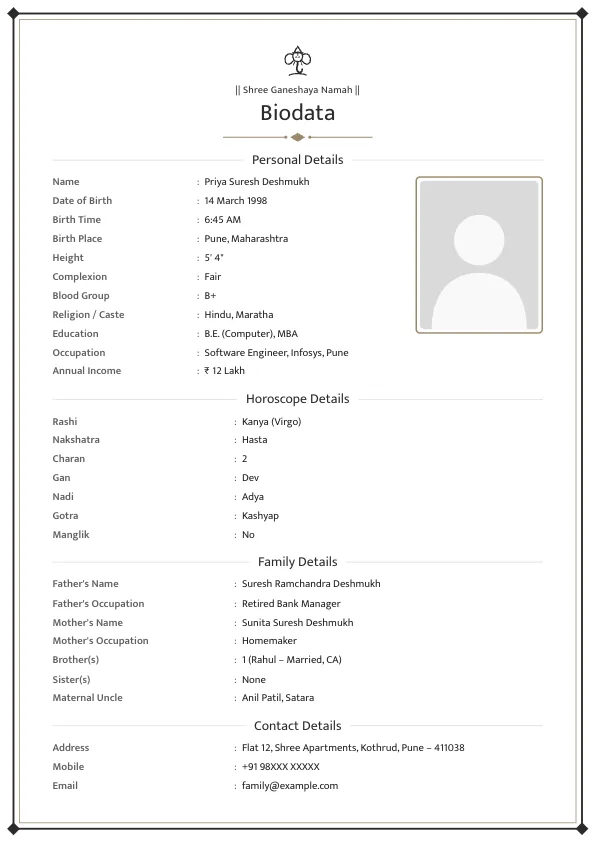
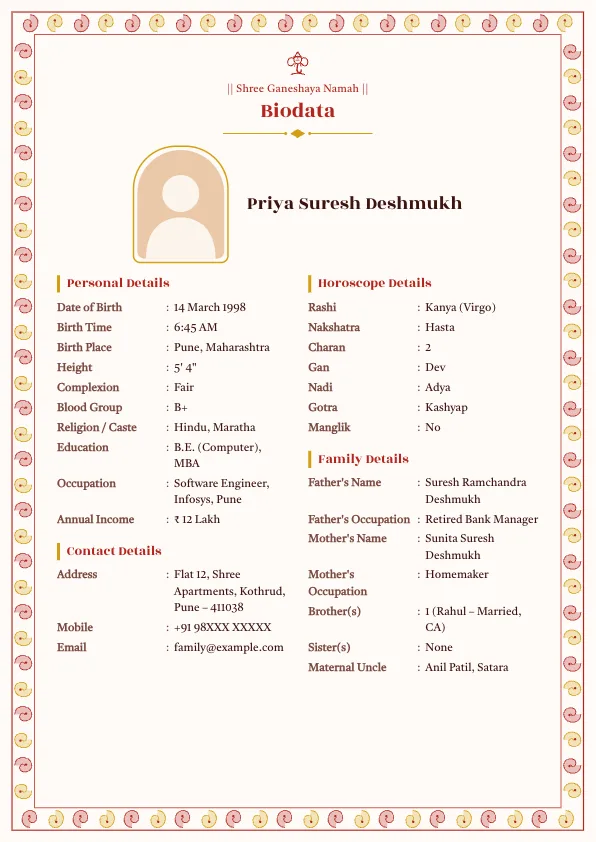
The gallery previews show the designs with a sample photo; in your download, the frame disappears when no photo is added. Browse all designs on the templates page.
Make it feel personal without a photo
Without a photo, the words carry more weight. Add a short "About me" line ("Soft-spoken, enjoys music and cooking; works as an architect in Pune") and a clear expectations line. You can also add a god photo, your kuldevta or a family logo at the top to give the biodata a warm, personal look. See what to write in a marriage biodata for more examples.
Sample biodata without photo
| Field | Example |
|---|---|
| Name | Nikhil Suresh Patwardhan |
| Date of Birth | 14 May 1994, Nagpur |
| Height | 5' 9" (175 cm) |
| Education | B.Arch, Nagpur University |
| Occupation | Architect, own practice, Nagpur |
| About Me | Calm and easy-going; enjoys sketching and trekking |
| Father | Suresh Patwardhan, Retired, MSEB |
| Contact | +91 97XXX XXXXX (father) |
| Note | Photo will be shared on request |
Sharing the photo separately
- Add a line at the end: "Photo will be shared on request."
- When a family is interested, send one or two recent photos directly on WhatsApp to the parent who contacted you.
- Avoid posting photos in large groups; send them one-to-one.
- If you later want a version with the photo, add it in the editor and download again. Your details are still saved on the same device.
Sending to a marriage bureau
Most bureaus accept a biodata without a photo, though some ask for a photo separately for their own records. You can send them the no-photo PDF for circulation and share a photo privately with the bureau if they need it for their file.
Privacy tips
- Share a parent's number instead of your own.
- Write the city, not the full home address, in the first round.
- Leave out ID numbers, salary slips and office addresses.
- Download a PDF rather than a Word file for public sharing, so details can't be edited and re-forwarded.
- Your details are not uploaded to our servers; they stay in your browser until you download.
Printing and forwarding
A no-photo biodata prints and forwards just like any other: download the PDF for printing on A4 paper, or the JPG for WhatsApp. If you also want a version with the photo for families who ask, add the photo, download a second copy with a different file name, and keep both. Since your details stay saved on the same device, switching between the two takes a few seconds.
Without photo for every community
The no-photo layout works with every Religion preset, which is useful for families who prefer it, including many Muslim and Jain families. It also suits a second marriage biodata sent in the first round.
Frequently asked questions
Can I make a marriage biodata without a photo?+
Yes. Just don't upload a photo. Every template adjusts so there is no empty frame in your PDF, JPG or Word file.
Is a biodata without photo acceptable?+
Yes. Many families share photos only after the first conversation. Add a line such as Photo will be shared on request.
Can I add a photo later?+
Yes. Open the biodata on the same device, upload a photo and download again. The layout switches back to the photo version.
Which templates look best without a photo?+
Banner and centred designs such as Peacock Minimal, Simple Minimal, Emerald Band, Haldi Mangal and Charcoal Formal look especially balanced.
More biodata formats
- Marriage Biodata Format
- Biodata for Marriage for Girl
- Biodata for Marriage for Boy
- What to Write in a Marriage Biodata
- Marriage Biodata Word Format (Free Download)
- Muslim Marriage Biodata Maker
- Hindu Marriage Biodata Format
- Jain Marriage Biodata Format
- Christian Marriage Biodata Format
- Sikh Marriage Biodata Format
- Brahmin Marriage Biodata Format
- Biodata for Second Marriage
- Kundali Matching: 36 Guna Milan Calculator
- Rashi & Nakshatra Calculator: Find Rashi, Nakshatra and Lagna by Birth Date
- Wedding Invitation Maker
- Vivah Muhurat 2026–2027: Hindu Marriage Dates, Month by Month
- Biodata for WhatsApp: Copy-Ready Marriage Biodata Text
- English to Marathi and Hindi Typing
- Height Converter: Feet and Inches to cm (and Back)
- Age Gap Calculator for Marriage
- Free tools for biodata and wedding planning